Discount Codes
Discount Codes
Beginner
Launch
2:23
Shopify has four native discount types and Frameship supports all of them:
Amount off products
Buy X, get Y
Amount off order
Free shipping
💡 Note: These are Scale components. You'll need a Scale license to use them.
In Shopify
Set up your discount code with the products and rules you want.
In Framer
1. Add the component
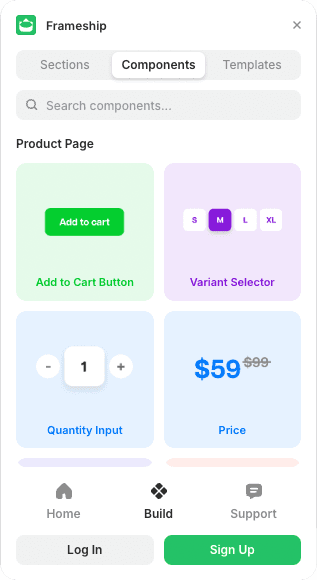
Open Frameship, go to Components, then Cart, and drag the Discount Codes component into your Cart Layer.
2. Style it
The Properties panel covers layout, sizing, spacing and colors, plus the discount badges and the error box.
Showing the updated price
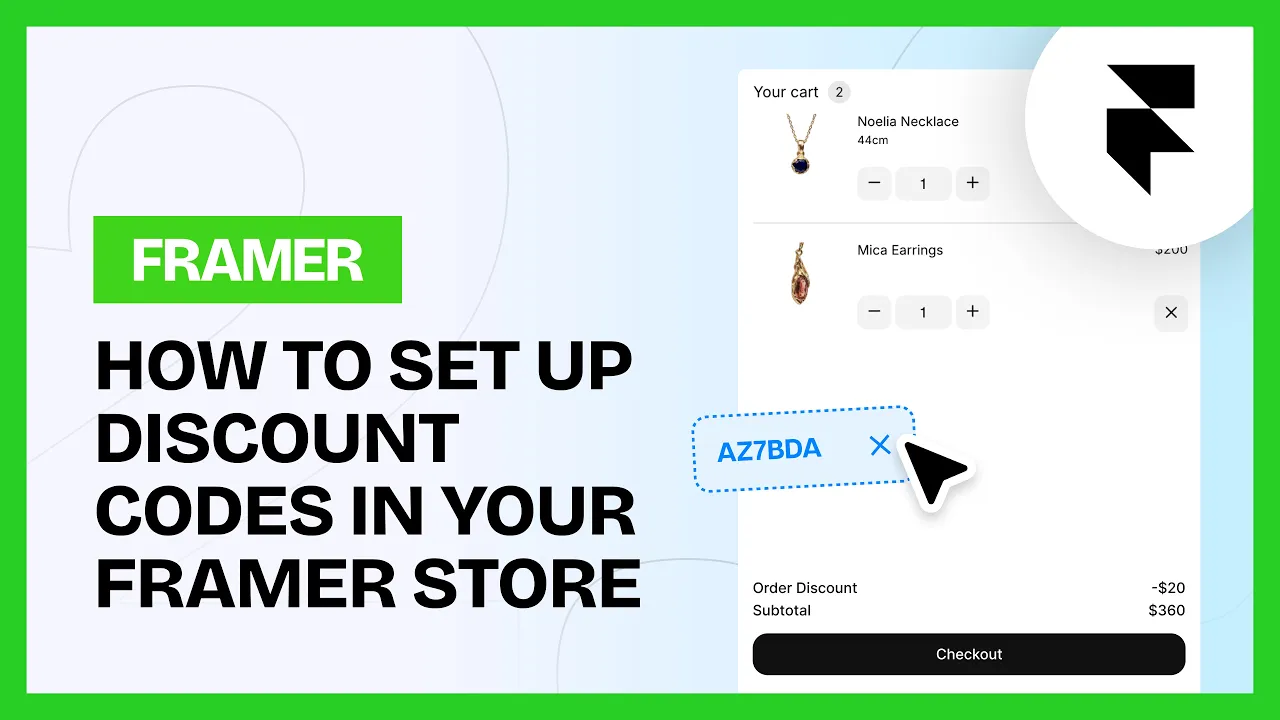
Want customers to see which discount applied and what it saved them? Drag the Cart Discount Label component into your cart's footer layer, next to the total.
Common questions
Which discount types work with Frameship?
All four of Shopify's native ones: amount off products, buy X get Y, amount off order, and free shipping.
Why can't I find the Discount Codes component?
It's a Scale tier component. You can upgrade your license in the plugin at any time.