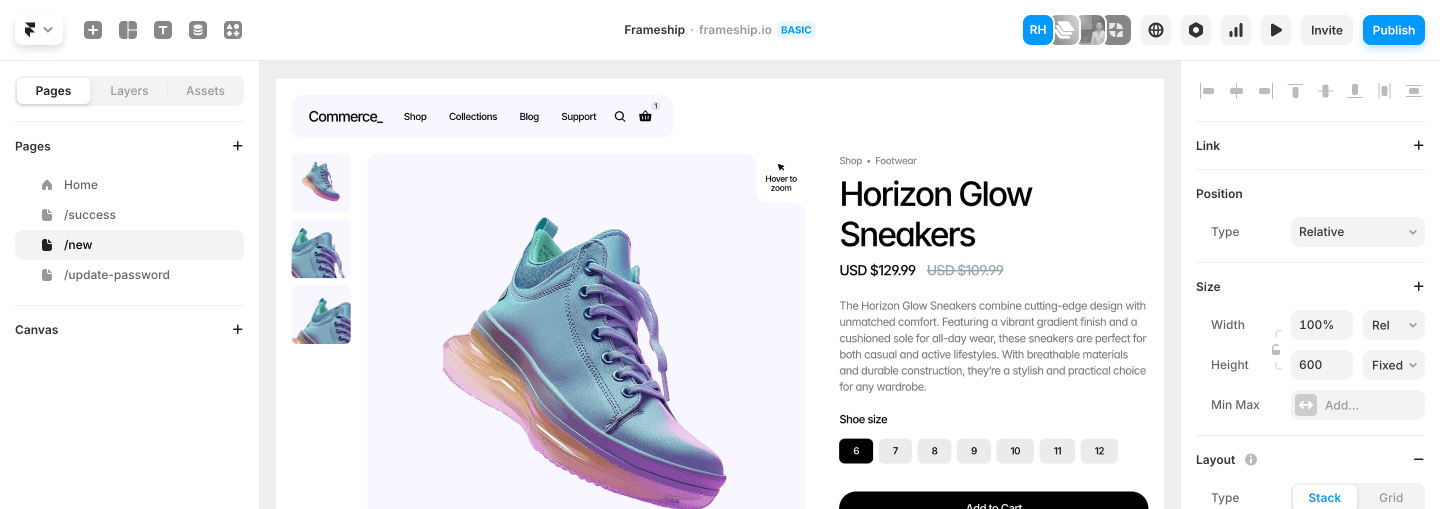
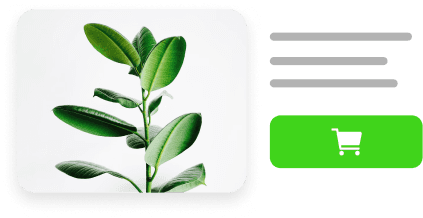
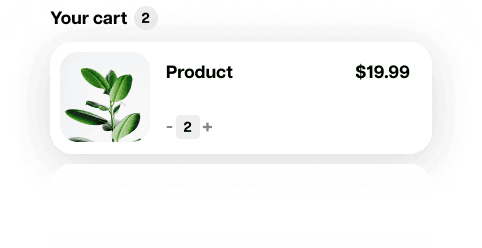
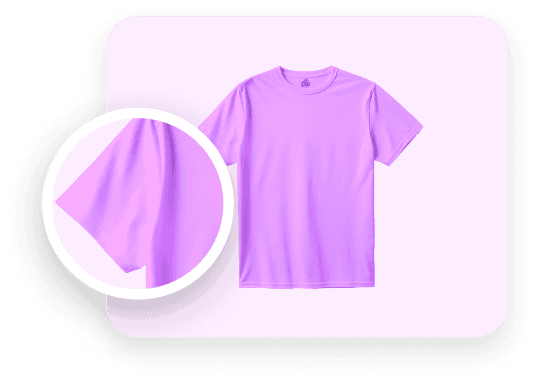
Frameship allows shoppers to filter by color, size, price or tag, search your catalog, and sort by price, popularity or relevance. All pulling live from your Shopify products.







Filter by
Color, size, price & tag, plus metafields and any Framer CMS field.
Sort by
Price, popularity, relevance & promos, or your own merchandising order.
Drag ’n’ drop
Filters, Search, Favorite & Sort. Drag them in and style them in Framer.
Works on
Collection and catalog pages built in Framer, using your Shopify products.
How product filtering works in Framer
Filters pulls live Shopify product data - options, prices, tags and availability, straight from your synced catalog.
Filter by anything in your store
Price, color, size, availability, product type, bundles, subscriptions, dates. If it lives in the Framer CMS, you can filter it.
Price
Color
Size
In stock
Product type
Bundles
Subscriptions
Dates
Material · metafield
Fit · metafield
Designer · CMS field
Vendor
Filter by Shopify data
Filter by price, color, size, product type or availability.
Price
$20 – $120
In stock only
Size
S
M
L
XL
Metafields
Sync custom Shopify data like material, fit or certification into Framer and filter on that as well.
Synced metafields
Shopify → Framer
custom.material
Linen
custom.fit
Relaxed
custom.certification
GOTS organic
Any CMS field
Mix Shopify product data with your own Framer CMS fields in the same filter set.
One filter set
Color
Shopify
Size
Shopify
Collection drop
Framer CMS
Designer
Framer CMS
Active:
Color: Sage
Size: M

Sage / M available
Linen Overshirt
$64
S
M
L

Not available
Studio Tee
$34
S
M
L
Showing 1 of 2 products
Filters that know your variants
Pick a color and a size, and shoppers only see products where that exact combination exists.
Real variant combinations: Frameship checks which pairings actually exist before it shows a product.
Galleries update: Product images and variant selectors update to the matching variant as shoppers filter.
Show what’s actually in stock
The In Stock filter checks live Shopify availability, not data from the last sync.
Live, not last sync: availability is checked against Shopify when shoppers filter.
Fewer dead ends: shoppers only click into products they can actually buy.
In stock only

Core Hoodie
Black / M
3 left in stock

Everyday Tote
Natural / One size
In stock

Pleated Trousers
Sand / L
Sold out
linen
3 results
Searching:
Title
Description
Tags
Metafields
Linen Overshirt
Matched in title
$64

Summer Linen Shorts
Matched in tags · linen
$48

Relaxed Shirt
Matched in metafield · material: linen
$58
Search your whole catalog, live
Real-time product search across any field you pick — title, description, tags, metafields. Results narrow as shoppers type.
Any field you pick: search titles, descriptions, tags and synced metafields.
Instant results: the product list narrows with every keystroke, right on your collection page.
Sort by what matters
Let shoppers reorder by price, popularity, newest or any custom value you sync. Or set the merchandising rules and decide the order yourself.
Shopper sorting: price, popularity, relevance, newest or promos.
Your rules: decide the order yourself and put promos, new drops or best sellers first.
Sort by: Popularity
Relevance
Price: low to high
Price: high to low
Popularity
Newest
Promos first
SPONSORED
Summer linen, in your size
Shop now
yourstore.com/shop?color=sage&size=m&sort=popular
Every filtered view gets a URL
Filtered collections have their own addresses. Link them, share them, and send ads straight to them. Serve high-intent traffic exactly the products they asked for.
Link and share: every combination of filters, search and sort has its own address.
Ads that land right: send campaign traffic straight to the filtered view they clicked for.
Built for big catalogs
No product limit
Frameship filtering is built on the Framer CMS, so it scales with your store instead of slowing it down.

Result counter
Show shoppers how many products match, so they always know where they stand.
Showing 48 of 1,284 products
Load more
layouts
Stack, Grid, Masonry or Infinite Grid. Pick what suits your catalog.
Stack
Grid
Masonry
Infinite Grid
Components for product discovery
Drag them in and style them like anything else in Framer.
Buttons
Checkboxes
Dropdowns
Toggles
Sliders
Date pickers
Image buttons
Presets
Active filter chips
Counters
Favorites
Search
Connect Shopify
1,284 products
1. Connect Shopify to Framer
Sync your products, options, tags and metafields into the Framer CMS with Frameship.

Add the components to your collection page. No code, just drag and drop.
yourstore.com/shop
Publish
3. Style it and publish
Match the controls to your brand, publish, and let shoppers find what they came for.
LAUNCH
For individual sites.
$139
$119
One-click Shopify sync
Unlimited product sync
Life-time access
Single website license
Unlimited Shopify products
Free starter templates
Includes all future updates
MOST POPULAR
SCALE
Full access.
$339
$279
filtering powerups
Sort by
SHOPIFY markets
Sell subscriptions
CUSTOMER ACCOUNTS
Account
Everything in Launch plan, plus:
48+ Pro Components
User Accounts
Sell Subscriptions
Sell product Bundles
Advanced filtering & sorting
Favourite Component
Cart Upsells
Markets (Country & Currency)
Priority support
What the FAQ
Can I add product filters to a Framer site?
Yes. Frameship adds product filtering to collection pages built in Framer. Drop the Filters component onto a collection page and shoppers can filter your synced Shopify products by color, size, price, tag, availability, metafields or any Framer CMS field.
Does Frameship support product search on collection pages?
Yes. Frameship’s Search component adds real-time storefront search to Framer collection and catalog pages. It searches any field you pick — title, description, tags or metafields — and results narrow as shoppers type.
Can shoppers filter by color, size, price or tag?
Yes. Filters read live Shopify product options, prices and tags. They’re variant-aware too: pick a color and a size, and shoppers only see products where that exact combination exists.
Can I sort products by price or popularity?
Yes. Shoppers can sort by price, popularity, relevance, newest or promos, or by any custom value you sync. You can also set merchandising rules and decide the order yourself.
Do I need code to add filtering to a Framer storefront?
No. Frameship’s Filters, Search, Sort and Favorite components are drag-and-drop. Add them to your Framer collection page and style them like any other layer in Framer.
Does filtering work with large product catalogs?
Yes. There’s no product limit. Frameship filtering is built on the Framer CMS, so it scales with your store. Choose a Stack, Grid, Masonry or Infinite Grid layout and show a live result counter.
Is filtering included in Launch or only Scale?
Advanced filtering, storefront search and sorting are included in the Scale licence: $279 one-time, with lifetime access and all future updates. Framer Commerce offers filtering on a monthly plan; Frameship includes it in a one-time Scale licence.