Products

Education

Resources

Company

Support

Adding Metafields

Adding Metafields

Intermediate

Launch

2:19

Create the metafield in Shopify

  • From your Shopify dashboard, go to Settings, then Metafields and Metadata

  • Click Products, then Add Definition

  • Configure it, give it a unique namespace key, and save

  • Go to your product page, scroll to Product Metafields, and assign it

Sync it into Framer

1. Copy the key

In Shopify, copy the namespace key exactly as it appears.

2. Add it in the plugin

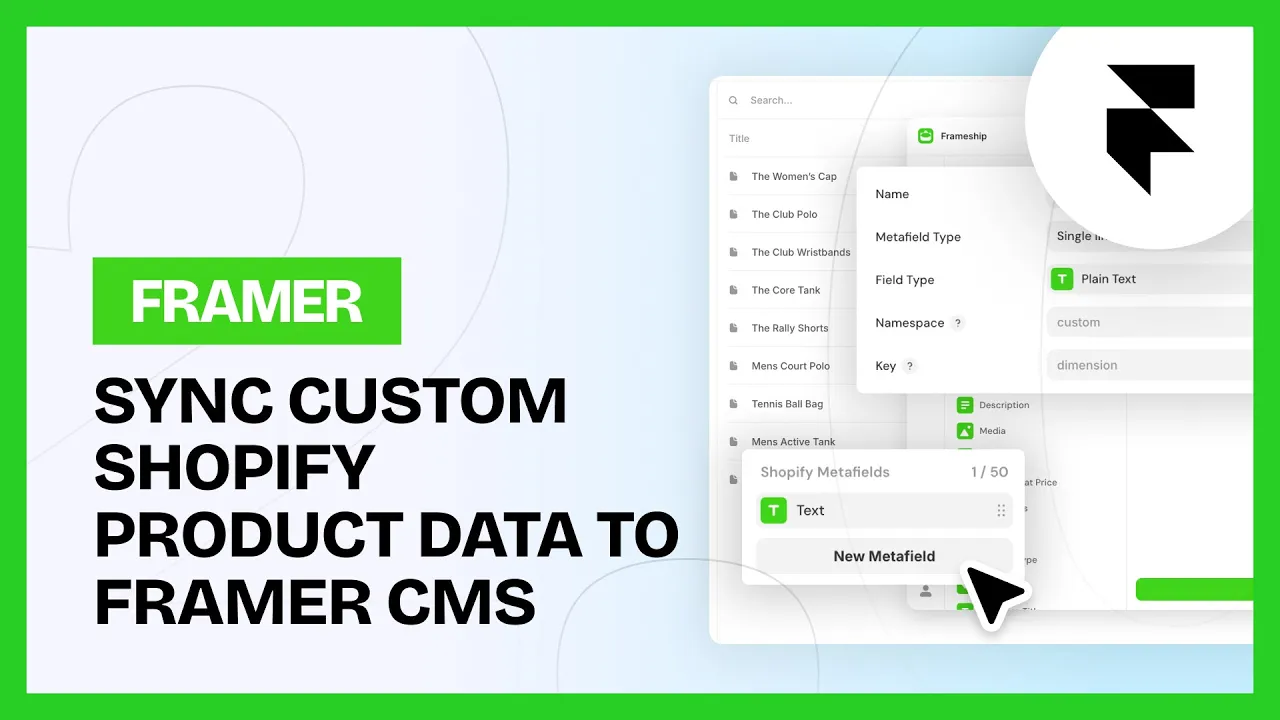
In the CMS, open Frameship (Manage) and select Shopify Metafields. Click Add Metafield and paste the key.

💡 Note: The namespace key has two parts. The first goes in Namespace, the second in Key.

Common questions

What are metafields useful for?

Anything Shopify's standard fields don't cover. Materials, fit guides, care instructions, certifications.

My metafield isn't pulling through

Check you've split the key correctly. The first part belongs in Namespace, the second in Key, and both have to match Shopify exactly.

START BUILDING NOW

START BUILDING NOW

Explore the Frameship plugin & power up your Framer website with Shopify's leading e-commerce capabilities.

Explore the Frameship plugin & power up your Framer website with Shopify's leading e-commerce capabilities.

Intercom