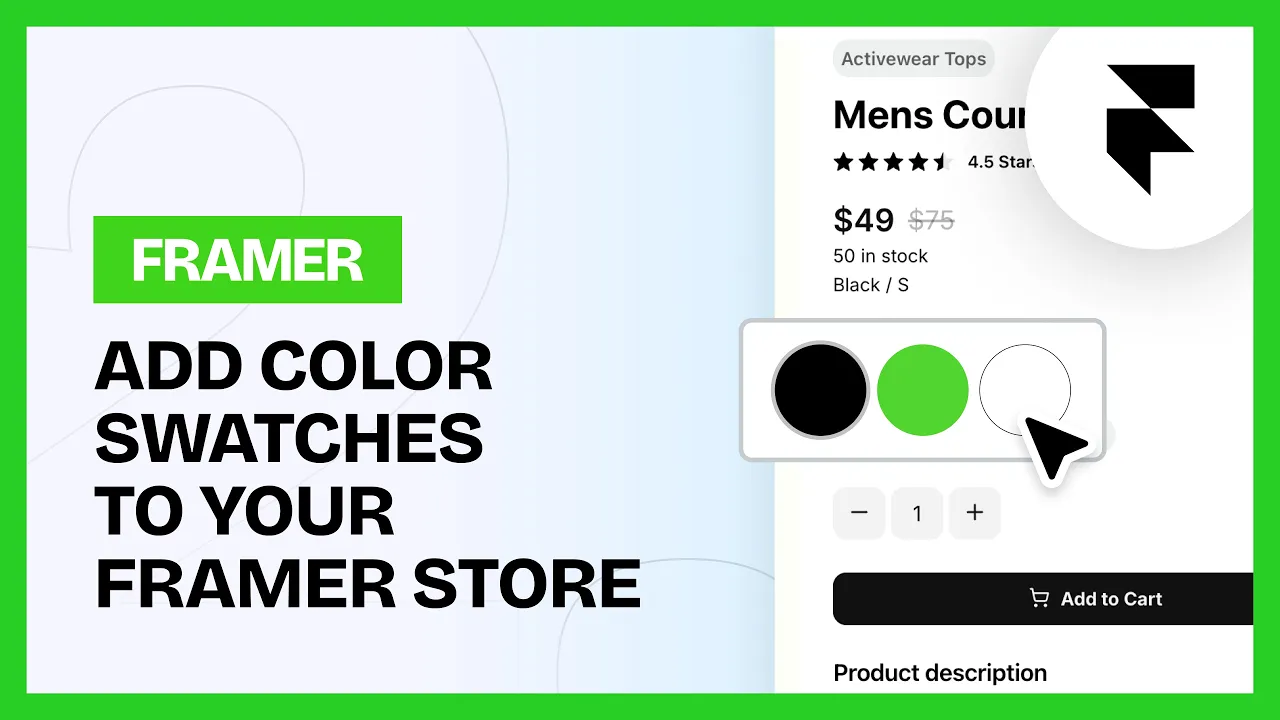
Color Swatches
Color Swatches
Intermediate
Launch
2:47
How to set up color swatches
1. Connect the data
Connect the options in the component to the matching variable.
2. Map your colors
Under Color Mapping, add each of your color variants. Use the exact name from Shopify, capitals included, then set the HEX you want to show.
3. Style it
Under Styling you can change the default border color, the selected border color and the rest of the look.
Test it on preview or a published domain.
💡 Note: To stop the component leaving an empty gap on products it doesn't apply to, use the Margin settings under Layer Style in the component settings, rather than a gap on the parent layer.
Common questions
My swatch is showing the wrong color
The name in Color Mapping has to match Shopify exactly. It's case sensitive, so "Navy" and "navy" are not the same thing.
Can I change the border on the selected swatch?
Yes. Default border color and selected border color are both under Styling.