Selling Subscriptions
Selling Subscriptions
Intermediate
Scale
4:40
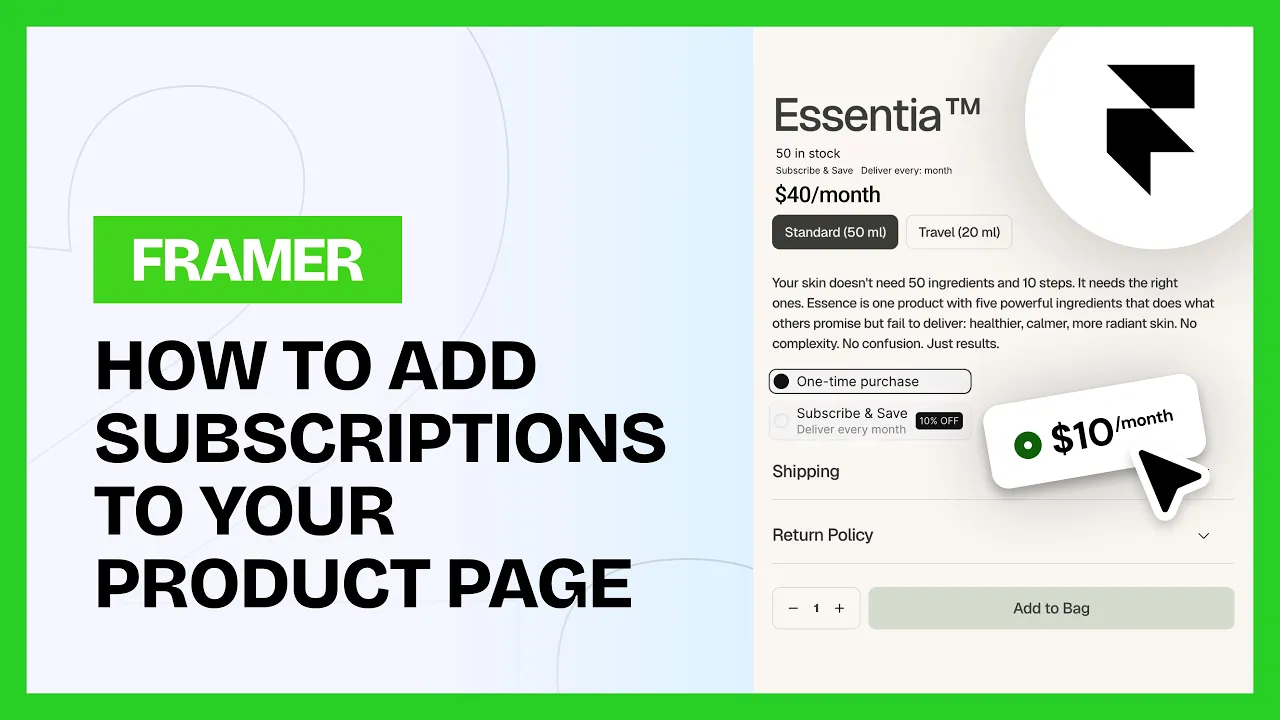
Frameship works with any app built on Shopify's native selling plan system. Selling plans pull in automatically, and it works with market specific pricing too.
Tested with:
Seal Subscriptions
ReCharge
Bold Subscriptions
Anything else built on Shopify's selling plan API
💡 Note: Subscriptions are a Scale tier component. You can upgrade your license in the plugin at any time.
How to add subscriptions
1. Check your app
Make sure you're using a Shopify selling plan app.
2. Turn the toggle on
Switch the subscription toggle on in the Frameship plugin.
3. Set the product up in Shopify
Give your products their intended subscription plan in the Shopify admin.
4. Add the component
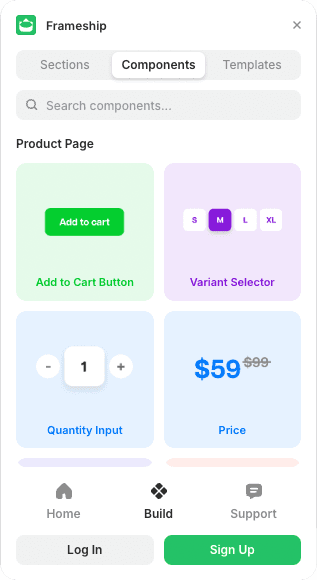
On your product detail page in Framer, open the plugin, go to Components, then Product, and drag in the Subscription component.
5. Connect the data
Select the component and connect the Shopify data in the Properties panel.
Common questions
Which subscription apps work with Frameship?
Any app built on Shopify's selling plan API. Seal Subscriptions, ReCharge and Bold Subscriptions are the common ones.
Do I need extra setup beyond the app?
No. Selling plans come through Shopify's native system, so there's nothing else to configure.