Customer Accounts
Customer Accounts
Intermediate
Scale
1:19
💡 Note: Customer Accounts is a Scale tier component. You can upgrade your license in the plugin at any time.
In Shopify
Go to Settings and search for Customer Accounts
Make sure Show sign-in links is toggled on
Copy the URL at the bottom of the page
In Framer
1. Add the component
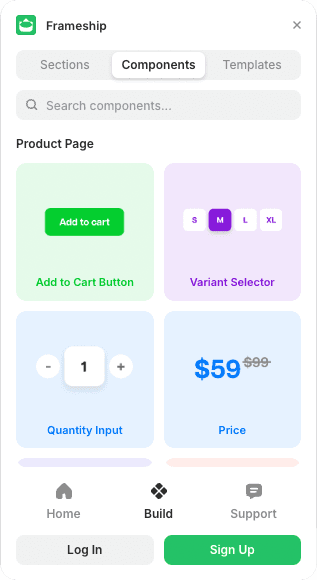
Open Frameship, go to Catalog and drag in the Customer Account component.
2. Paste the URL
In the component settings on the right, paste the URL you copied from Shopify.
3. Style and publish
Adjust the design, then publish to see it working live.
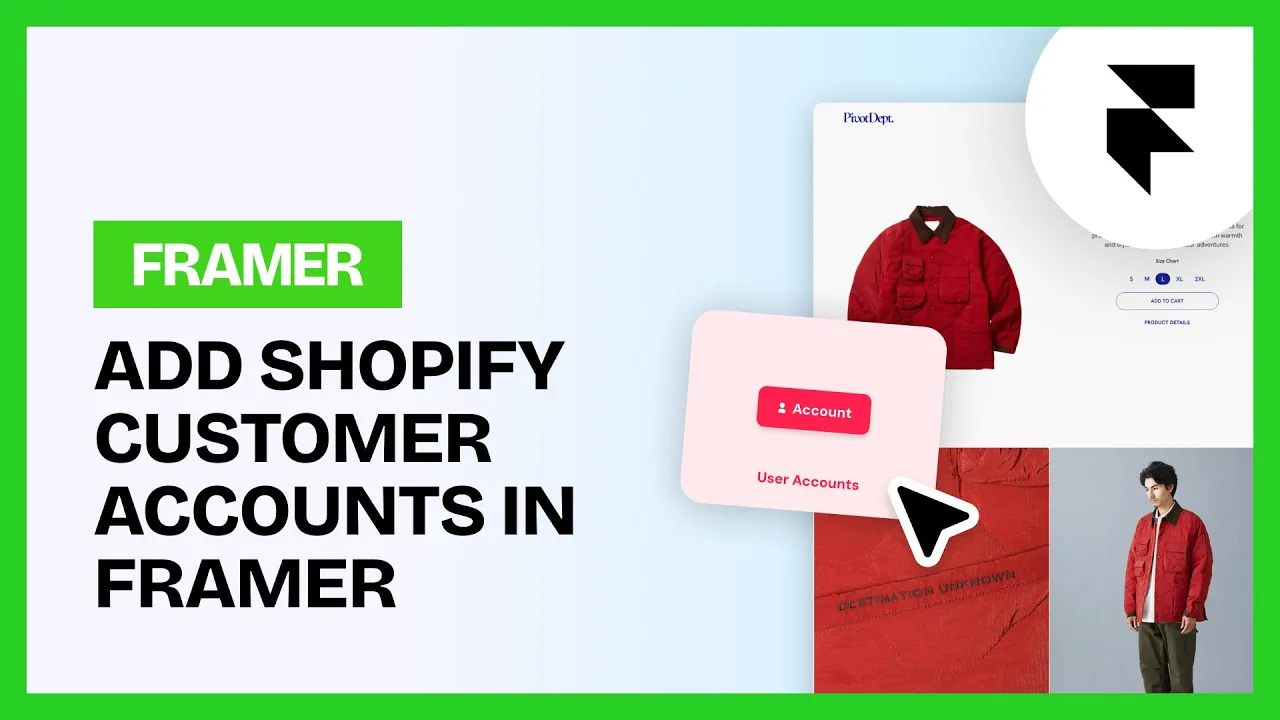
That's sign-in and account pages on your Framer store, with no code.
Common questions
Can customers see their order history?
Yes. The component connects to Shopify's own account system, so order history and account details come with it.
Do I need to build a separate account page?
No. The component handles sign-in and account functionality on its own.