Products

Education

Resources

Company

Support

Promotional Progress Bar

Promotional Progress Bar

Intermediate

Scale

1:41

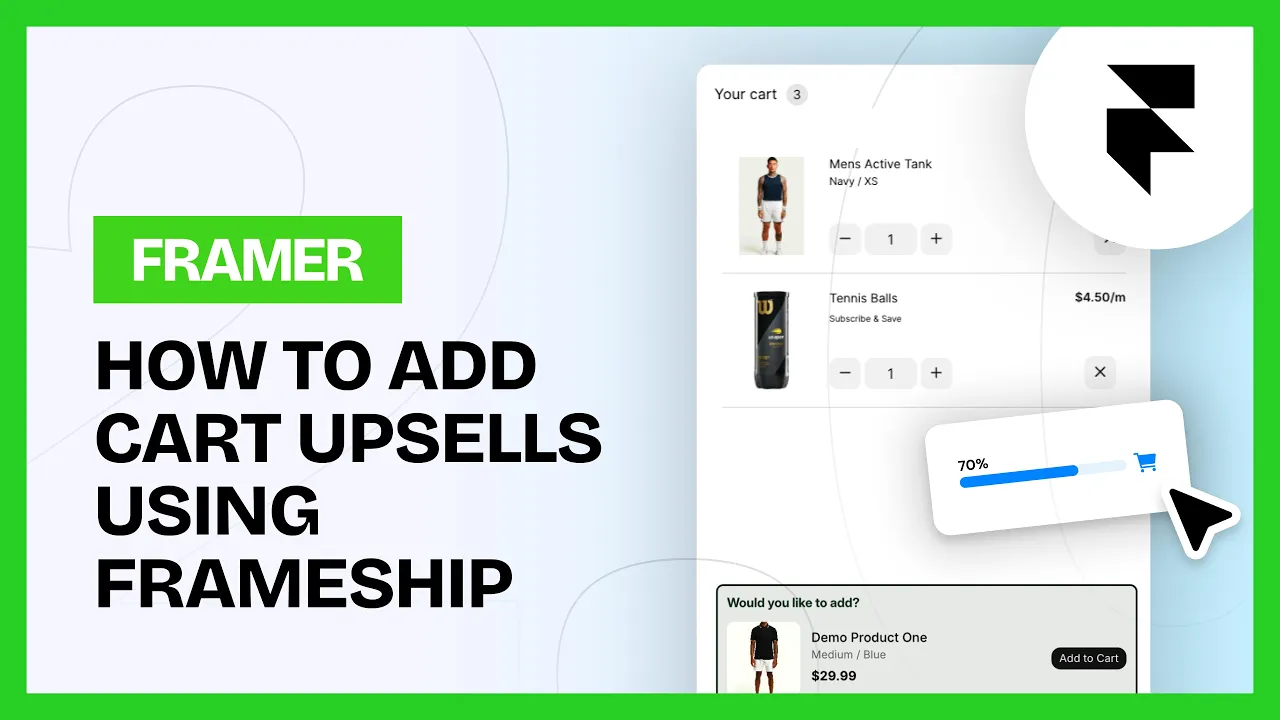
The bar tracks your cart total in real time and updates as items change, so shoppers can see how close they are to free shipping or a discount.

💡 Note: The Progress Bar is a Scale tier component. You can upgrade your license in the plugin at any time.

How to add it

1. Add the cart

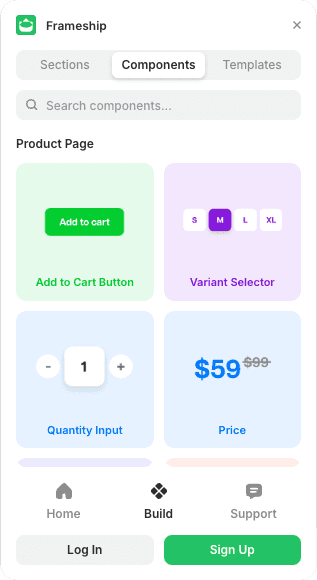
Add the cart component to your Framer project from the plugin.

2. Unlink it

Double click the cart component and select Unlink & Replace All. Then double click the Cart Layer inside and do the same.

3. Drop in the bar

Drag the Progress Promotion bar from your Asset tab and place it where you want it. Insert it from the plugin first so it shows up in Assets.

4. Set your thresholds

Minimum value, maximum value, styling and design are all in the Properties panel.

Common questions

Can I set what the bar counts towards?

Yes. Minimum and maximum value are both in the Properties panel, so you can match whatever promo you're running.

Why isn't the bar in my Asset tab?

You need to insert it from the plugin directly before it appears there.

START BUILDING NOW

START BUILDING NOW

Explore the Frameship plugin & power up your Framer website with Shopify's leading e-commerce capabilities.

Explore the Frameship plugin & power up your Framer website with Shopify's leading e-commerce capabilities.

Intercom