Frameship 2.0 Overview
Frameship 2.0 Overview
Beginner
Launch
2:38
Frameship was rebuilt from the ground up. If your store was built before November 2025, you may need to migrate to 2.0 components to fix functionality issues. There's no extra cost.
How to migrate to 2.0
1. Remove the old components
The plugin tells you if old components are in the project. Log in and you'll see "You are using old components." Follow the steps to delete them.
2. Insert the new ones
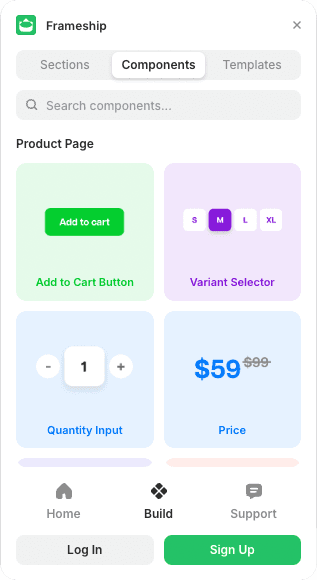
Add the 2.0 components straight from the plugin and connect your Shopify data.
3. Don't mix versions
1.0 and 2.0 components aren't compatible. A project running both won't work properly.
💡 Important: Frameship 1.0 stopped getting updates and support on 17 December 2025. If Framer ships changes, 1.0 components may break.
Common questions
Does migrating to 2.0 cost anything?
No. It's included.
Can I keep some 1.0 components?
No. Mixing versions breaks things. Remove all the old ones before adding the new.
How do I know if I'm on old components?
The plugin tells you when you log in. You'll get an error saying you're using old components.