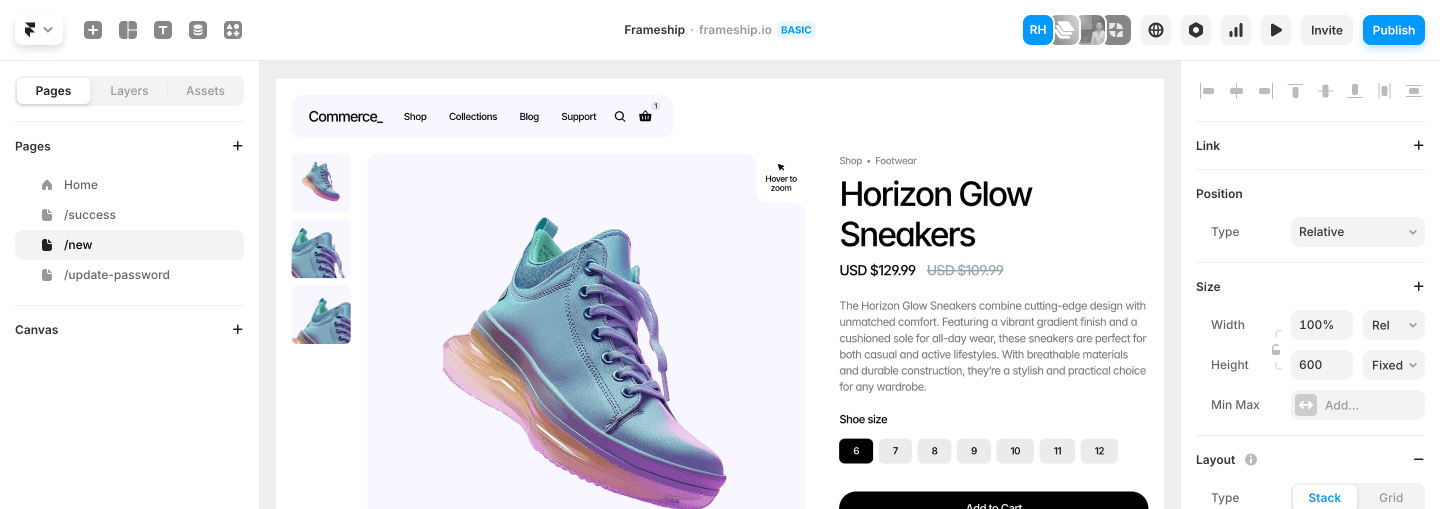
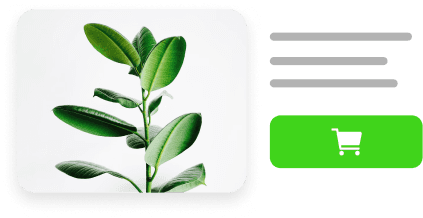
Filtering in Frameship has been rebuilt. There are now 23 components for building product discovery, and they understand your Shopify data properly.
Product Filters
Filter by price, color, size, availability, product type, bundles, subscriptions, dates, and any other Shopify or CMS data. Alongside the filters you get search, recent searches, filter presets, sorting, active filter chips, result counts, saved favorites, and Apply or Reset controls.
The important part: filters understand real Shopify variant combinations. Pick a color and a size, and shoppers only see products where that exact combination actually exists. Product galleries and variant selectors update to show the matching variant. The In Stock filter checks current Shopify availability rather than relying on previously synced data.
Market Dropdown
Control which Shopify markets appear, set their order, add separators, and display flags, country names, or both.
Guided migrations
Already have filters on your store? You don't have to rebuild from scratch. Frameship detects your old filter components, shows a notice on the plugin homepage, and helps you locate and replace each one.
The same guide works for stores moving over from Framer Commerce. Frameship spots Framer Commerce components on the canvas and suggests the closest replacement for each.
Ecommerce analytics
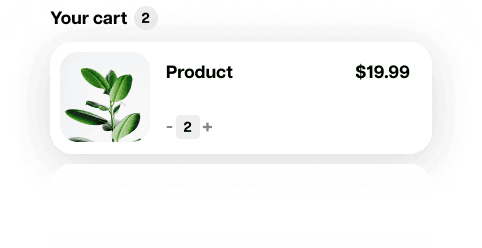
Frameship now sends GA4-compatible events when shoppers view a product, add or remove something from the cart, or begin checkout. The new View Item Tracker component handles product-page tracking. Purchase tracking is not part of this release.
Defer Cart Creation
A new privacy setting that waits until a shopper adds a product before creating a Shopify cart or saving cart data in the browser. A more privacy-conscious setup if you need to meet GDPR requirements.
Minor Improvements:
The plugin component browser now groups filter components into subcategories, with clearer setup guides and previews.
Variant selection can now react on hover as well as click.
Premium components have consistent Scale plan gates and upgrade prompts, adapting from a full message to a compact button depending on space.
Creator customers now get access to Scale components, and their account screens no longer show an unnecessary upgrade action.
Added demo store data and import tools for testing.
Bug Fixes:
Fixed gallery interaction bugs.
Fixed single-image variant display.
Fixed filter results, active chips, and product galleries falling out of sync.
The new filter components are part of the Scale plan. If you're on a lower plan, upgrading is a one-time fee. You can upgrade from the Frameship plugin homepage.